
Alpacto › Tools › Couples budget template
Couples budget template: a budget for two that splits the joint costs for you
This couples budget template is a table you fill in on this page: two incomes, one row per cost, and a mark on each row for joint, yours or mine. The joint rows are split half and half or by income, and the sheet shows what each of you pays and what is left over. Print it on one page, or download it as a CSV file for Google Sheets and Excel.
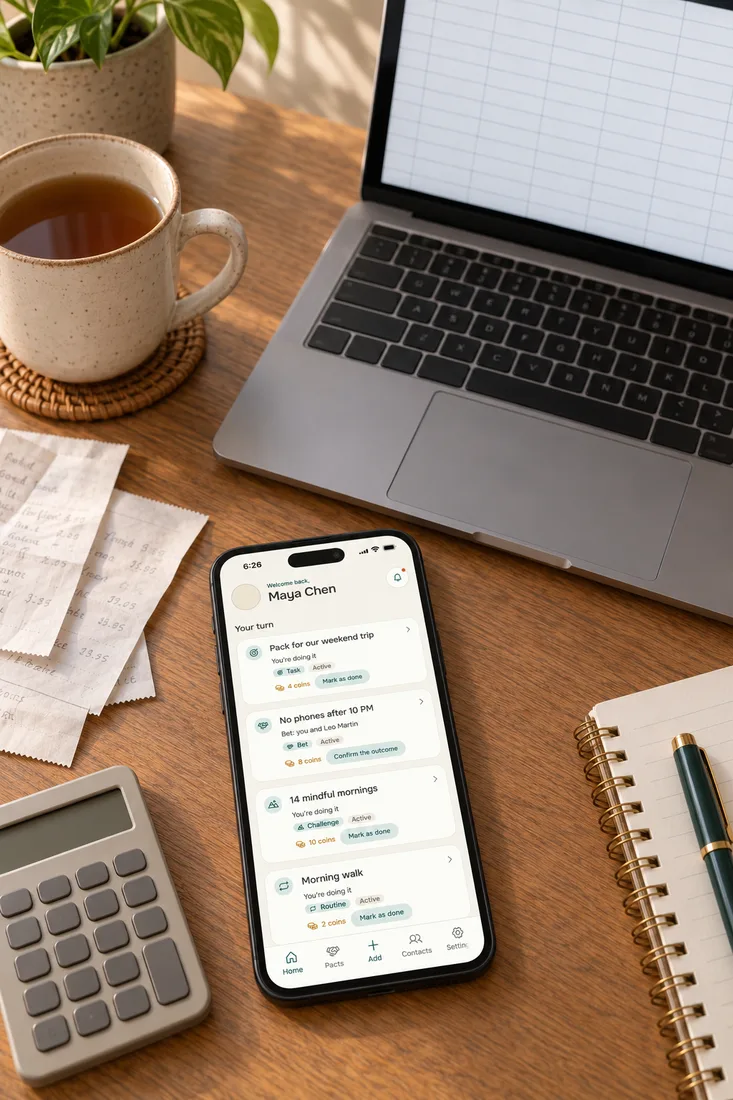
Couples budget template: your month, row by row
How this couples budget spreadsheet works
The template adds up every row and splits the ones marked joint by the rule you pick. Rows marked with a name belong to that person alone and are never split. Four steps fill it in.
- Type each person’s take-home pay, the amount that lands in the account after tax.
- Pick the rule for the joint rows: half and half, or in proportion to pay.
- Mark every row joint, first person or second person, and change the amounts to your own.
- Read the Left over line at the bottom of the sheet, one number for each of you.
Savings counts as money spent here, so Left over is the part of your pay that has no job yet. That is the number to talk about at the monthly check-in.
One worked example you can check by hand
The table opens with these numbers. Joint rows add up to $3,850. Pay is $4,200 and $2,800, so by income the shares are 60% and 40%, which is $2,310 and $1,540.
The first person also pays $300 of debt and $250 of personal money, so their total is $2,860 and $1,340 is left over. The second person pays $1,540 plus $250 of personal money, a total of $1,790, and $1,010 is left. Both lines add up to the $2,350 that the household has left after $4,650 of spending.
Joint budget template: which rule splits the joint rows
Half and half suits couples whose pay is close. By income suits a gap, because each of you then gives the same share of your own pay to the joint rows. The template shows both on your numbers, so switch the rule above and watch the bottom of the sheet.
On the opening numbers, half and half sends $1,925 of the joint rows to each person. That is 46% of the first person’s pay and 69% of the second person’s. By income, the same rows take 55% of each pay, so the two $1,925 shares become $2,310 and $1,540.
Your own rule can be something else: one person pays rent, the other pays everything else. Mark the rows that way and leave nothing marked joint. For the long version of the three methods, read how to split bills in a relationship.
Other tools for the same question
If you only want the split and a settle-up transfer, use the shared expenses calculator. If you already know you want 60/40 or 70/30, the 60/40 split calculator shows what each ratio costs each of you as a share of pay. Splitting a flat with roommates is a different problem, and the rent split calculator handles it.
What goes in each row of a budget template for couples
Put a cost in the joint rows when both of you use it and neither would pay it alone. Put it under one name when only that person benefits or owes it. Six groups cover most households.
Rent or mortgage, electricity, water, internet. These are joint almost every time, and they are the biggest rows, so the rule you pick matters most here.
Joint if you eat together. If you shop and eat separately most days, keep two small personal rows instead of one big shared one.
One shared car is a joint row. Two cars, or one commuter pass, belong to the person who uses them.
A loan taken together is joint. A loan one of you brought into the relationship stays under that name, unless you both agree to share it.
Goals you share, such as an emergency fund or a deposit, are joint. A personal goal goes under a name, so it comes out of that person’s share and not out of the other’s.
Dates and trips are joint. Personal money is one row for each of you, and the two amounts can be equal even when pay is not.
Print it or open it as a budget template for couples in Google Sheets or Excel
Press Print to get the sheet alone on one page: every row, the totals, the Left over line and a space for a review date and initials. Press Download CSV to get a file called couples-budget.csv. Nothing leaves your device in either case, and the page does not save your numbers, so download or print before you close it.
In Excel, double-click the file. In Google Sheets, open a spreadsheet and choose File, then Import, then Upload, as Google’s help page for importing files describes. The file holds numbers and not formulas, so it will not recalculate by itself.
To keep a living sheet, add a SUM formula under each column and copy the file once a month. Many couples find the printed page easier: tape it where you both see it, and write the next review date on it today.
A realistic budget for a couple: check the sheet against 50/30/20
A realistic couple budget is one where the sheet adds up, the Left over line is not negative, and the split looks the same in your heads as on paper. Percentage rules give you a first frame to compare with. The best known is 50/30/20: NerdWallet describes it as 50% of take-home pay for needs, 30% for wants and 20% for savings and paying off debt.
Run it on the opening numbers. Pay is $7,000 together. Needs (housing, utilities, groceries, transport) are $3,250, which is 46%.
Wants (fun and personal money) are $700, 10%. Savings and debt are $700, 10%. The remaining 34% is unplanned, and moving part of it to savings is the quickest way toward 20%.
A ruler, not a verdict
Treat 50/30/20 as a ruler and not as a verdict. A high-rent city can push needs far above 50% for a couple on any income. If you want a tool to keep the sheet updated, see the budget apps for couples we compared.
Questions people ask about a couples budget
Is there a free budget spreadsheet for couples?
Yes, the table on this page is one. It is free, needs no account, and downloads as a CSV file that opens in Google Sheets and Excel. Ready-made files exist too, and the advantage here is that this couple budget planner does the joint-cost split for you.
What is a realistic budget for a couple?
It is one where total spending stays below total take-home pay and the Left over line is positive for both of you. The amounts depend on your city and pay, so no single figure fits. Compare your sheet with 50/30/20 and change the rows that sit far from it on purpose.
What is the 50/30/20 rule for couples?
It is the same rule as for one person, applied to your combined take-home pay: 50% for needs, 30% for wants and 20% for savings and debt. Add the two pays, then compare each group of rows on the sheet with those percentages. It is a starting point, not a law.
What is a good budget plan for couples?
A good plan names a rule for joint costs, keeps a personal money row for each person and has a review date. Ally lists five ways to split money as a couple, among them combining everything, keeping joint and personal costs apart, and paying in proportion to income. Pick one together and write it on the sheet.
How do we split a couples budget when our pay is different?
Set the rule to By income. Each of you then pays the same share of your pay toward the joint rows, so the larger earner pays more dollars and nobody pays more of their own paycheck. On the opening numbers that is 60% and 40% of the joint total.
Should we keep a joint account for the joint rows?
It makes the monthly transfers simple, because each of you sends your share once and the bills come out of one place. Whether you also pool the rest of your money is a separate choice. The sheet works with a joint account, with separate accounts, or with a mix.
What goes in personal money?
Anything either of you may spend without asking: coffee, hobbies, gifts, a night out with friends. Agree on the amount once, enter it as a row for each person, and then it stops being a topic.
When the sheet is filled in and someone still forgets the transfer
A spreadsheet shows the plan and then it sits there. Alpacto is our own app, and it holds what comes after: the agreement signed by both, what counts as done, by when, and coins for rewards you wrote for each other. It is not an accounting app and it does not touch your bank.